

.png)
.png)
.png)
.png)
.png)
.png)
.png)
Description
Chat, Call, Connect – Messenger for Everyone
Overview
Messenger Text and Video Chat is a comprehensive communication tool developed by Facebook, Inc., designed to facilitate instant messaging, voice calls, and video calls across multiple platforms. Built as a social media messaging application, it enables users to stay connected with friends, family, and businesses through real-time conversations. The software serves as a central hub for digital interaction, particularly for individuals already active on the Facebook ecosystem.
It is primarily intended for consumers seeking a free, accessible way to communicate without relying on cellular minutes or SMS. The app supports one-on-one chats, group conversations, and multimedia sharing, making it ideal for personal coordination, social engagement, and even customer service interactions with businesses on Facebook. Users can initiate or continue conversations directly from the app’s main interface, where existing threads are displayed for easy access.
The app leverages internet connectivity via Wi-Fi or mobile data, ensuring message delivery without additional costs to users. Notifications keep users informed of incoming messages, with options to mute alerts for individual conversations. While the developer did not provide additional system requirements, the application is available on Windows, Mac, Android, and iOS, indicating broad cross-platform compatibility. The software is designed to support seamless communication across devices, especially for users who prioritize social connectivity and multimedia interaction.
Key Features & Capabilities
- Instant Messaging: Send text messages instantly to friends and contacts on Facebook. Conversations are persistent and accessible across devices.
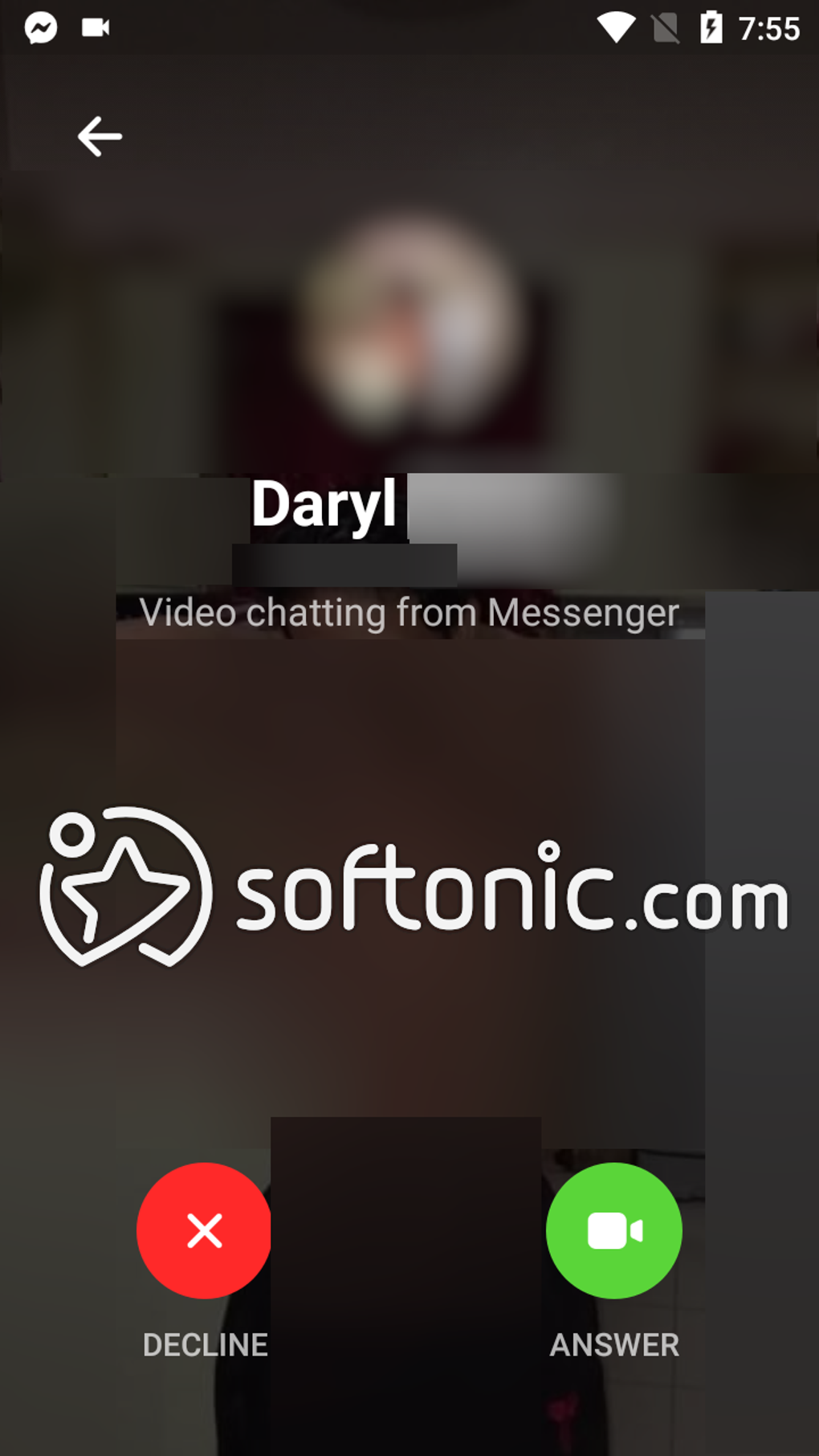
- Video and Voice Calls: Initiate high-quality video and voice calls with individuals or groups. The app supports up to 50 participants in a single call through Messenger Rooms.
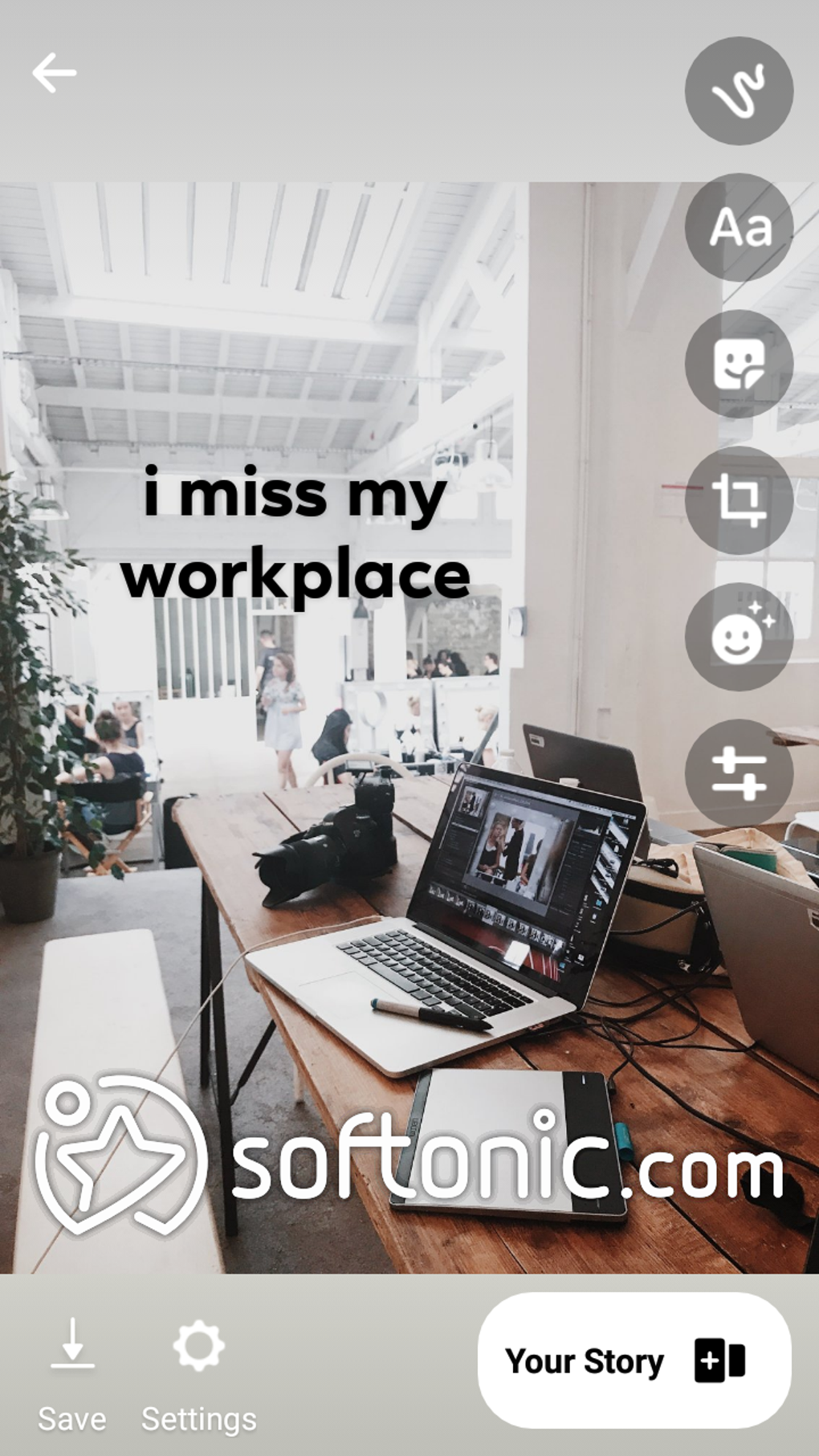
- Media Sharing: Send photos, videos, and voice notes with built-in editing tools, including filters, text overlays, and fun effects.
- Stickers, Emojis, and GIFs: Express emotions and reactions using a wide range of visual content, enhancing the tone and engagement of conversations.
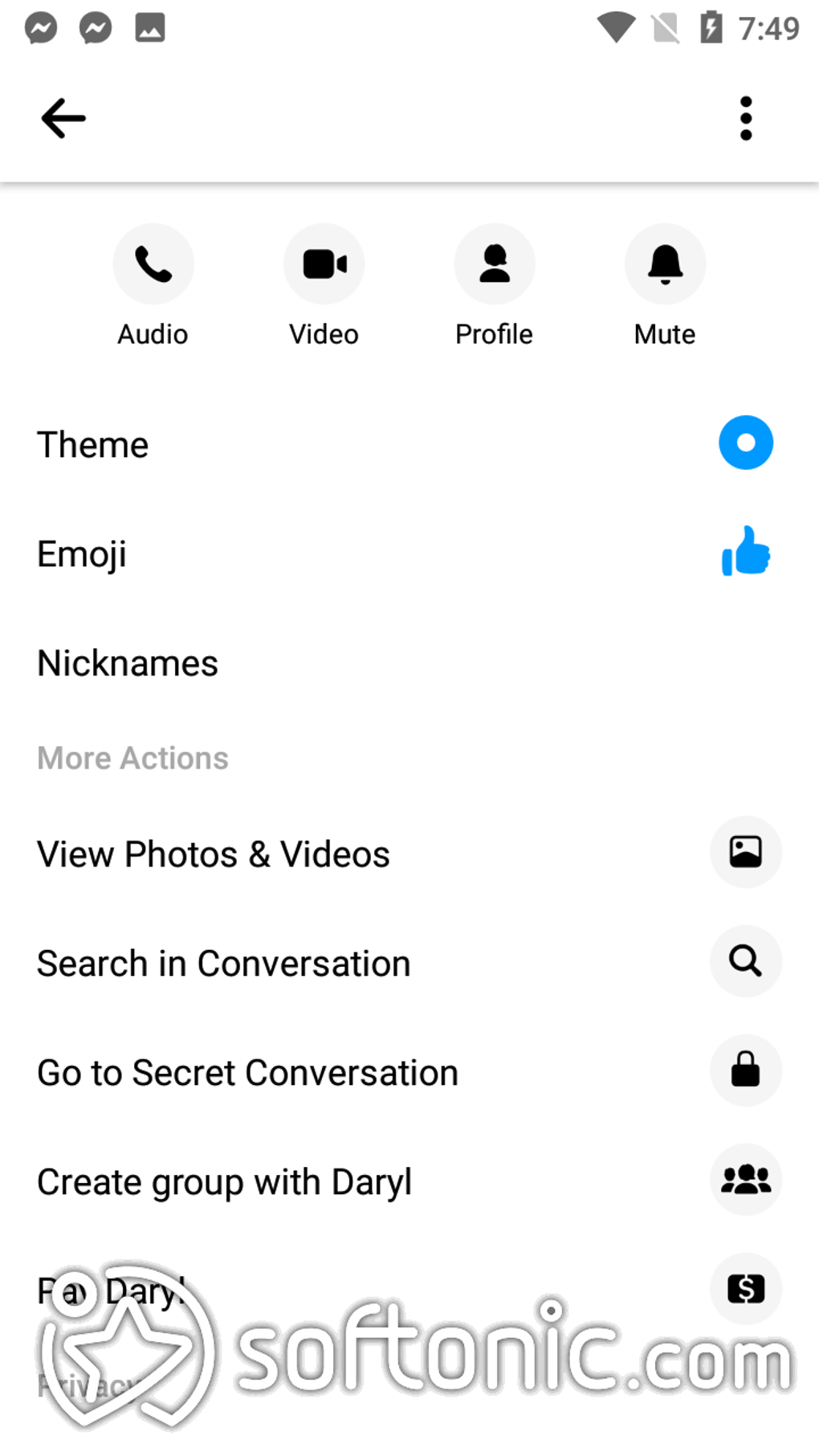
- Group Chats and Collaboration: Create group conversations with multiple participants. Features include polls, location sharing, and message replies to maintain context.
- Facebook Stories Integration: View and share Stories with friends directly within the app, increasing social visibility and interaction.
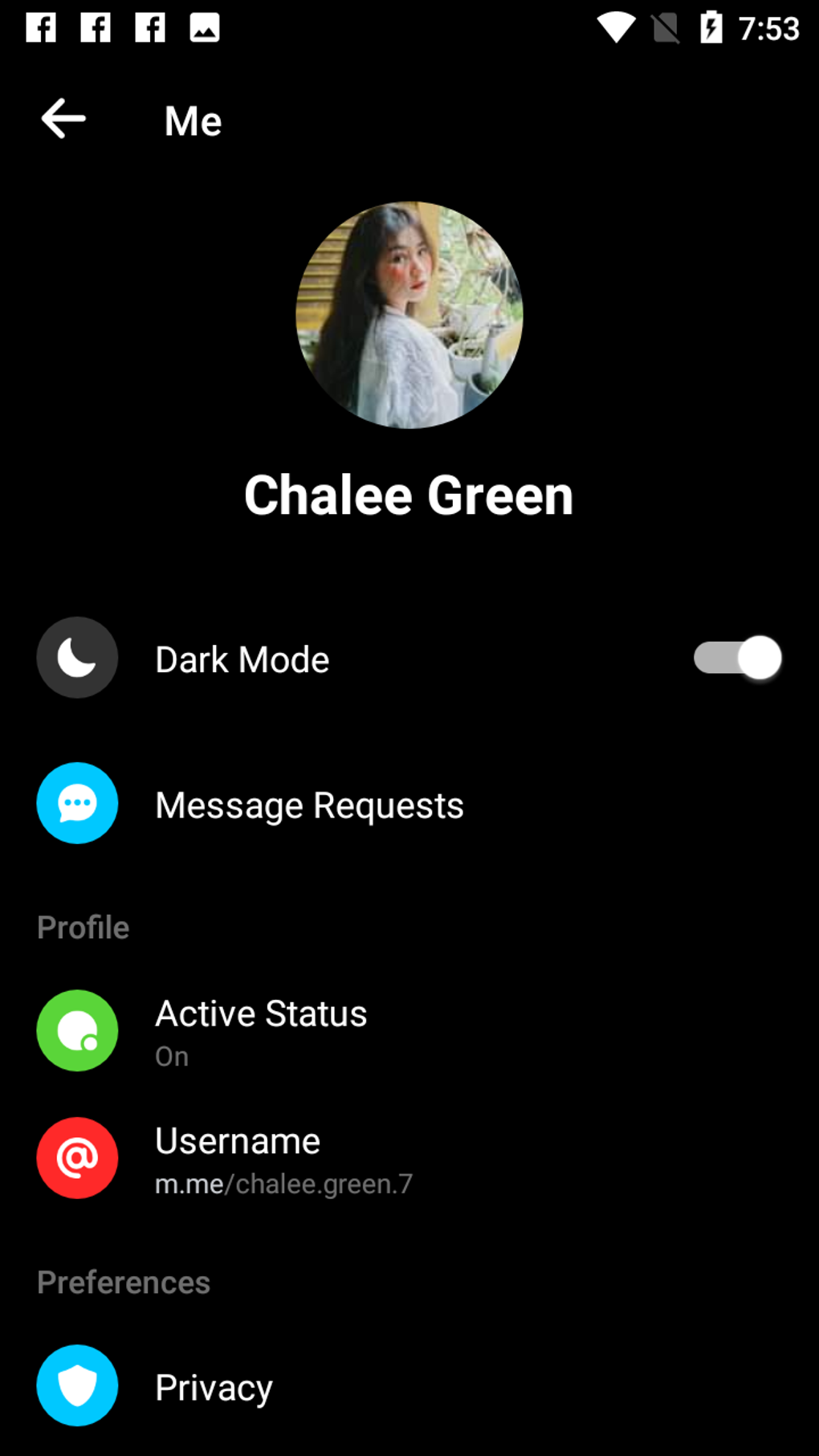
- Dark Mode and Customization: Switch to dark mode for reduced eye strain and customize chat themes with new color gradients introduced in the latest update.
- Business and Marketplace Messaging: Communicate with businesses for inquiries, event tickets, job opportunities, or product details on Facebook Marketplace.
These capabilities support diverse use cases, from coordinating social plans to managing customer service interactions. The ability to create polls or share live locations simplifies group planning. Voice notes offer a convenient alternative to typing, especially when users are on the move. The integration of Facebook Stories and the updated three-tab interface improve navigation and content discovery.
User Interface, Workflow & Performance
The user interface of Messenger Text and Video Chat is structured around a clean, intuitive layout with three main tabs: Chats, People, and Discover. This design allows users to quickly switch between active conversations, view online contacts, and explore games, brands, and other interactive content. Navigation is straightforward, with messages displayed in chronological order and recent conversations prominently featured.
Workflow efficiency is enhanced by features like message threading, quick replies, and status indicators. The green dot shows when a contact is online, and users can control visibility of their own status. The app uses push notifications to alert users to new messages, with customizable mute settings for individual threads.
Performance observations are based on general software behavior patterns. The developer did not specify resource usage details, but the application is designed for continuous background operation. Stability is maintained through regular updates, and the app is known to function reliably on supported platforms. CPU and RAM behavior are not publicly documented, but the software is optimized for modern devices across Windows, Mac, Android, and iOS.
Compatibility & System Requirements
Messenger Text and Video Chat is available on Windows, Mac, Android, and iOS, ensuring broad accessibility across personal computing and mobile environments. The current version is 2024.04.15, with a file size of 125 MB, indicating a lightweight installation for desktop and mobile platforms.
Exact system requirements were not listed by the developer. However, the software is compatible with recent operating system versions across all supported platforms. The installation size suggests it is designed for efficient deployment without excessive storage demands. The app functions over Wi-Fi or mobile data, relying on internet connectivity rather than cellular network minutes.
Platform compatibility information is limited to the listed operating systems. No additional hardware specifications were provided. Users are advised to ensure their device meets standard requirements for running modern messaging applications.
Pros and Cons
Pros
- Free to use with no message or call limits
- Supports video calls with up to 50 participants via Messenger Rooms
- Available on multiple platforms: Windows, Mac, Android, iOS
- Rich feature set including stickers, GIFs, voice notes, and media editing
- Integrated with Facebook ecosystem for business and marketplace interactions
- Dark mode and customizable chat themes improve user experience
Cons
- Requires a Facebook account for full functionality
- Performance may vary on older or low-end devices
- Privacy concerns due to data collection by Facebook, Inc.
- Not ideal for users seeking end-to-end encryption without social media integration
- Some features may feel overwhelming due to the app’s extensive functionality
FAQ Section
Is Messenger Text and Video Chat free to download and use?
Yes, the software is completely free to download and use. There are no charges for messaging, voice calls, or video calls.
Can I use Messenger without a Facebook account?
No, a Facebook account is required to access and use Messenger. The app is integrated with the Facebook platform for user authentication and contact management.
Does Messenger support group video calls?
Yes, the app supports group video calls through Messenger Rooms, allowing up to 50 participants with no time limit.
Is my data secure when using Messenger?
Messenger uses encryption for data in transit. However, the developer did not specify whether all messages are end-to-end encrypted. Users should be aware that data may be processed by Facebook, Inc., in accordance with its privacy policies.
Can I use Messenger offline?
No, the app requires an active internet connection to send or receive messages, make calls, or access content. Offline usage is not supported.
Final Thoughts + CTA
Messenger Text and Video Chat delivers a robust, feature-rich experience tailored for users deeply embedded in the Facebook ecosystem. Its seamless integration of messaging, calling, and social features makes it a versatile tool for personal and professional communication. The addition of Messenger Rooms, dark mode, and customizable themes enhances usability and visual appeal.
While it may not suit users prioritizing privacy or those avoiding social media platforms, it remains a top choice for individuals who value convenience, multimedia sharing, and group coordination. The free access, multi-platform availability, and regular updates ensure long-term relevance.
Download Messenger Text and Video Chat now
Guides & Tutorials for Messenger Text and Video Chat
How to install Messenger Text and Video Chat
- Click the Preview / Download button above.
- Once redirected, accept the terms and click Install.
- Wait for the Messenger Text and Video Chat download to finish on your device.
How to use Messenger Text and Video Chat
This software is primarily used for its core features described above. Open the app after installation to explore its capabilities.
User Reviews for Messenger Text and Video Chat 0
No reviews found





